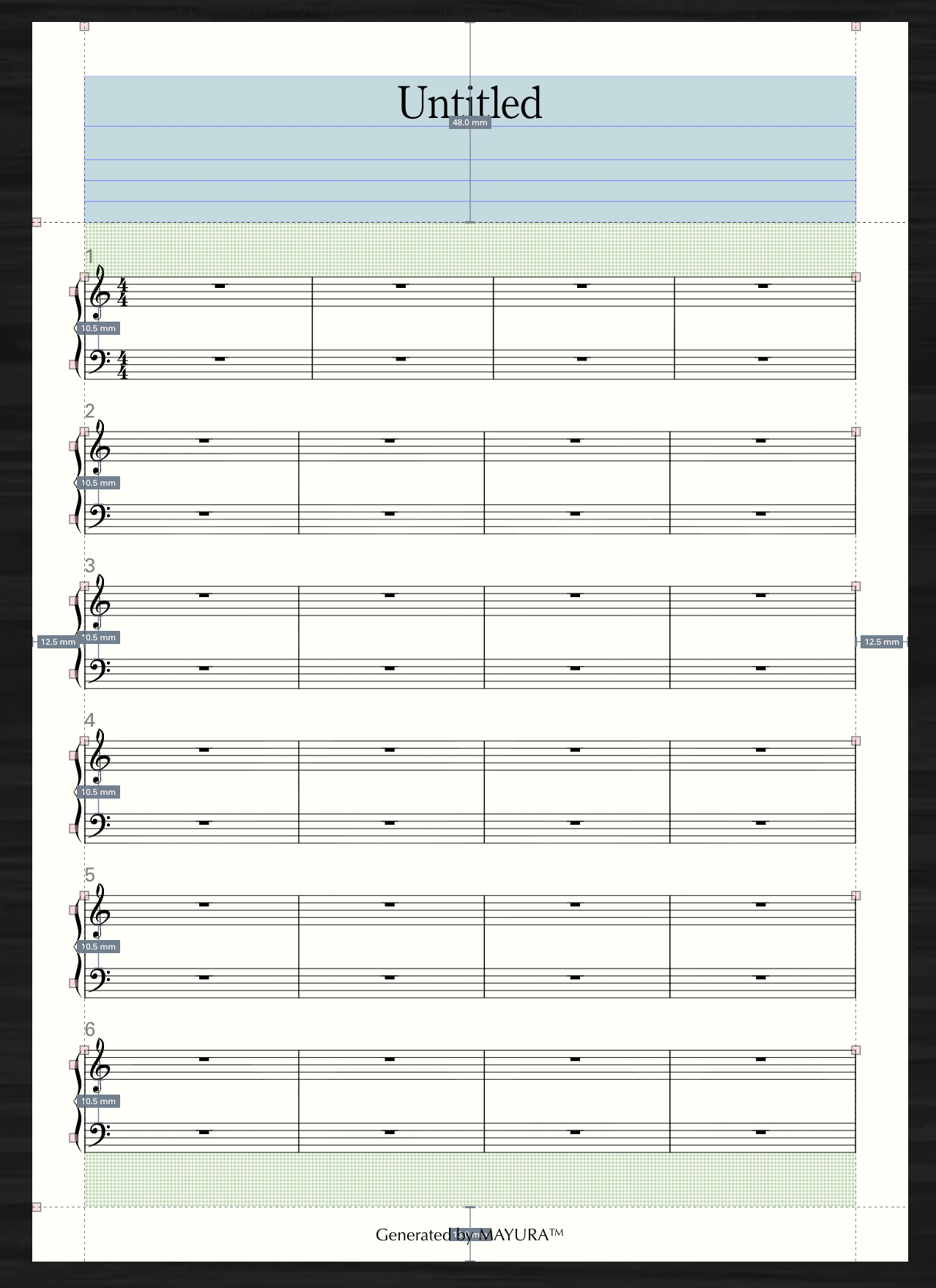
Pages
INFO
At the moment, the only way to add or remove pages is to use "Evenly Space Systems."
However, we plan to implement features such as "dedicated page addition and deletion functions" and "auto-layout functions" in the future.
Add Pages
Use "Distribute Systems Evenly" to increase the number of pages. In Layout mode, select the System tool. Right-click any system, and select the "Distribute Systems Evenly" item from the system context menu that appears. If the number of fixed systems overflows the applicable page range, the number of pages will be increased.
For example, let's say you currently have five systems on one page of music. 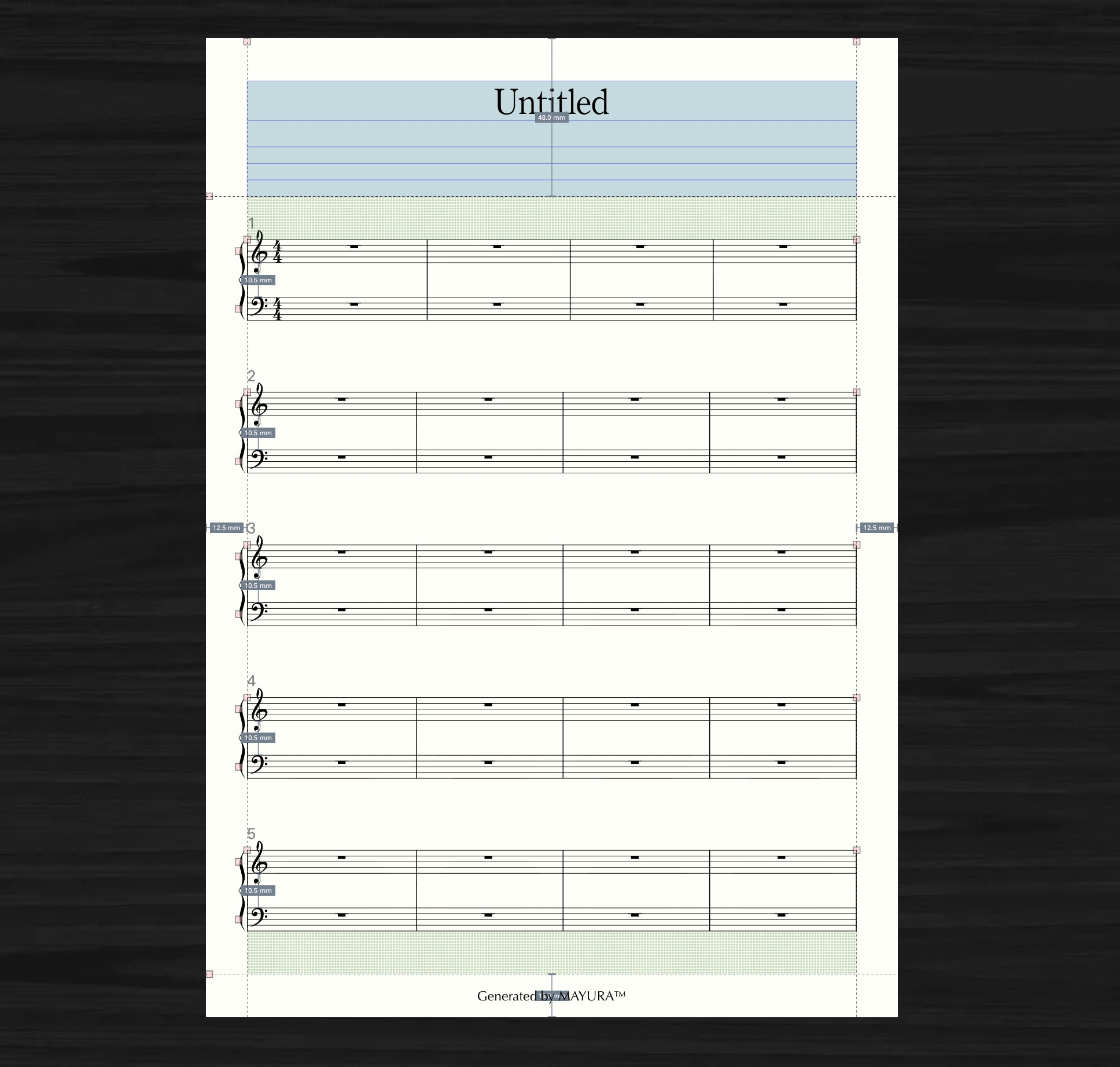
If you set the page range to 1-2 and the number of fixed columns to 2, 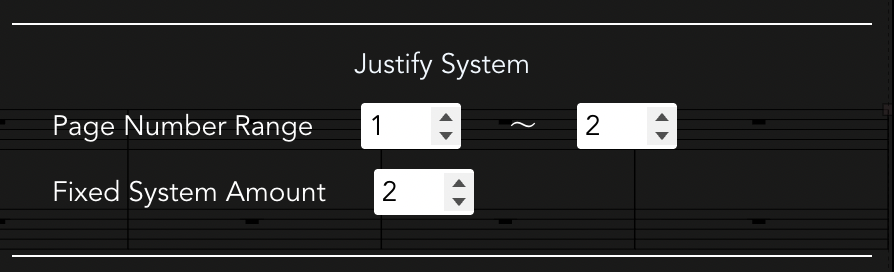
Pages 1 and 2 are fixed in two columns, and page 3 is fixed in the remaining one column. (In this case, two more pages are added, making a total of three pages.) 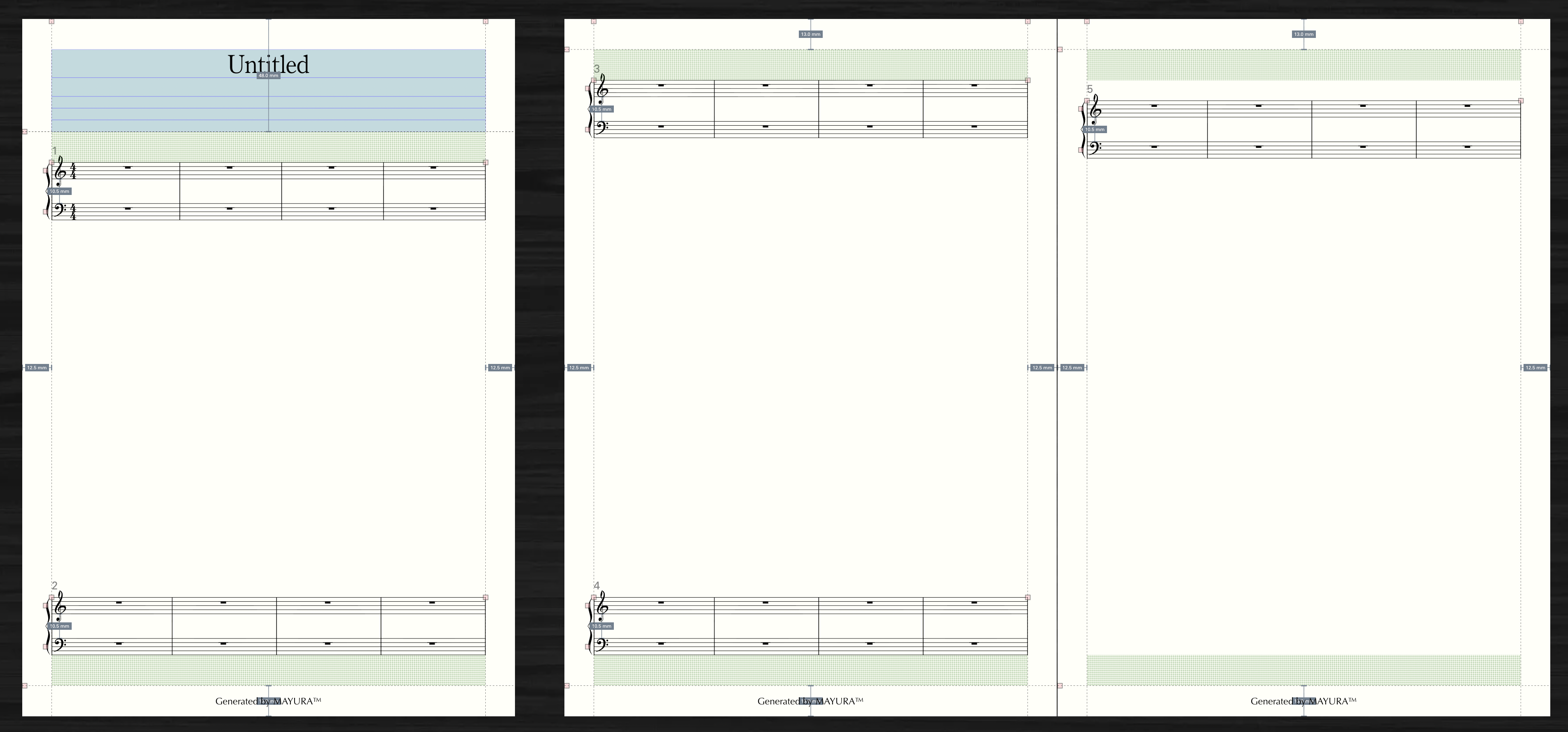
Delete Pages
Use "Distribute Systems Evenly" to reduce pages. In Layout mode, select the System tool. Right-click any system, and select the "Distribute Systems Evenly" item from the system context menu that appears. If the number of systems you want to fix is insufficient within the applicable page range, pages will be reduced.
For example, suppose you currently have two pages of music with three systems on each page. 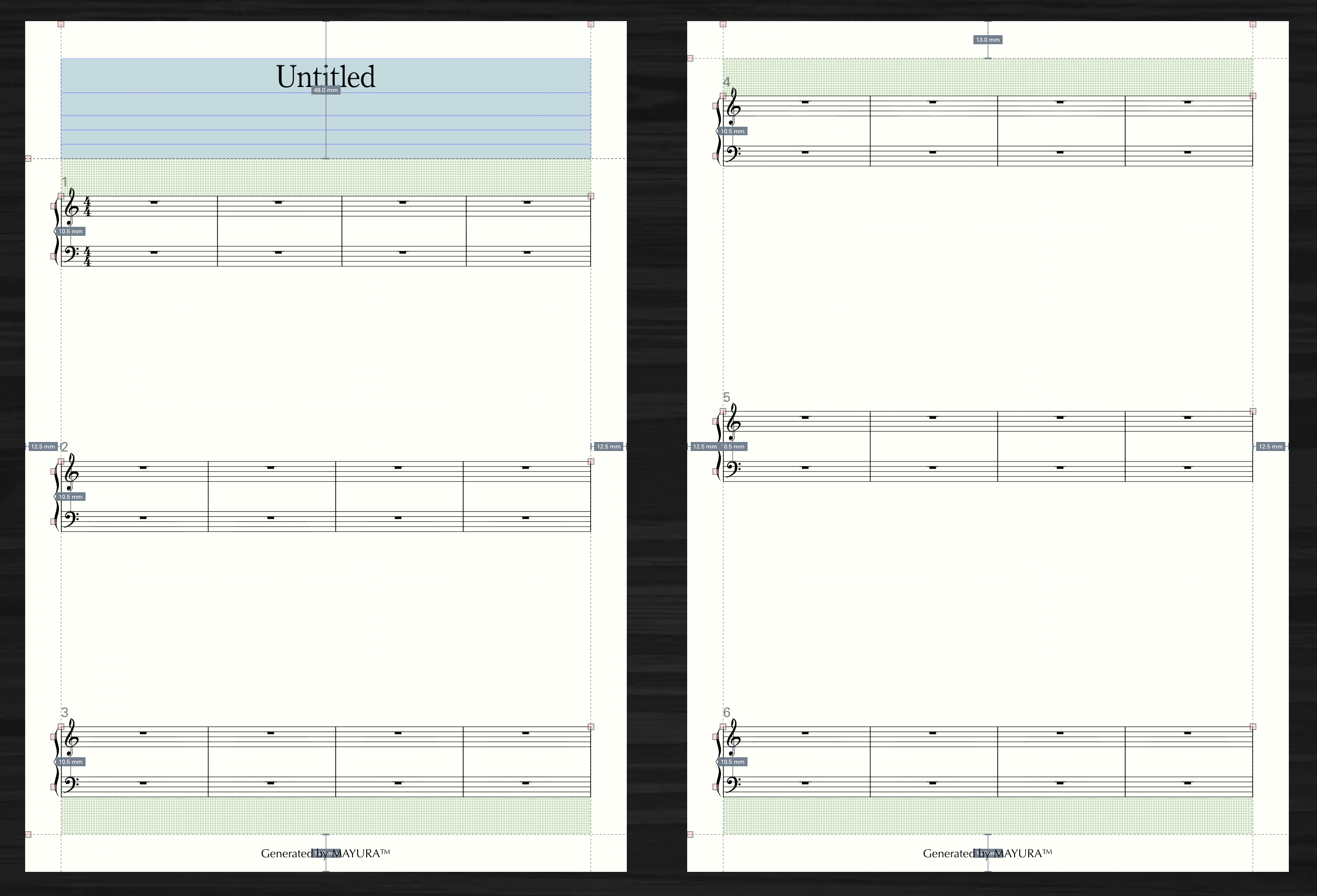
If you set the applicable page range to 1-1 and the fixed number of columns to 6, 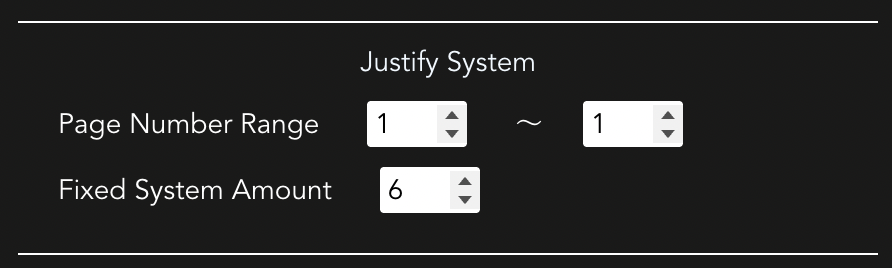
The first page will be fixed at 6 columns, which means there will be one less page.