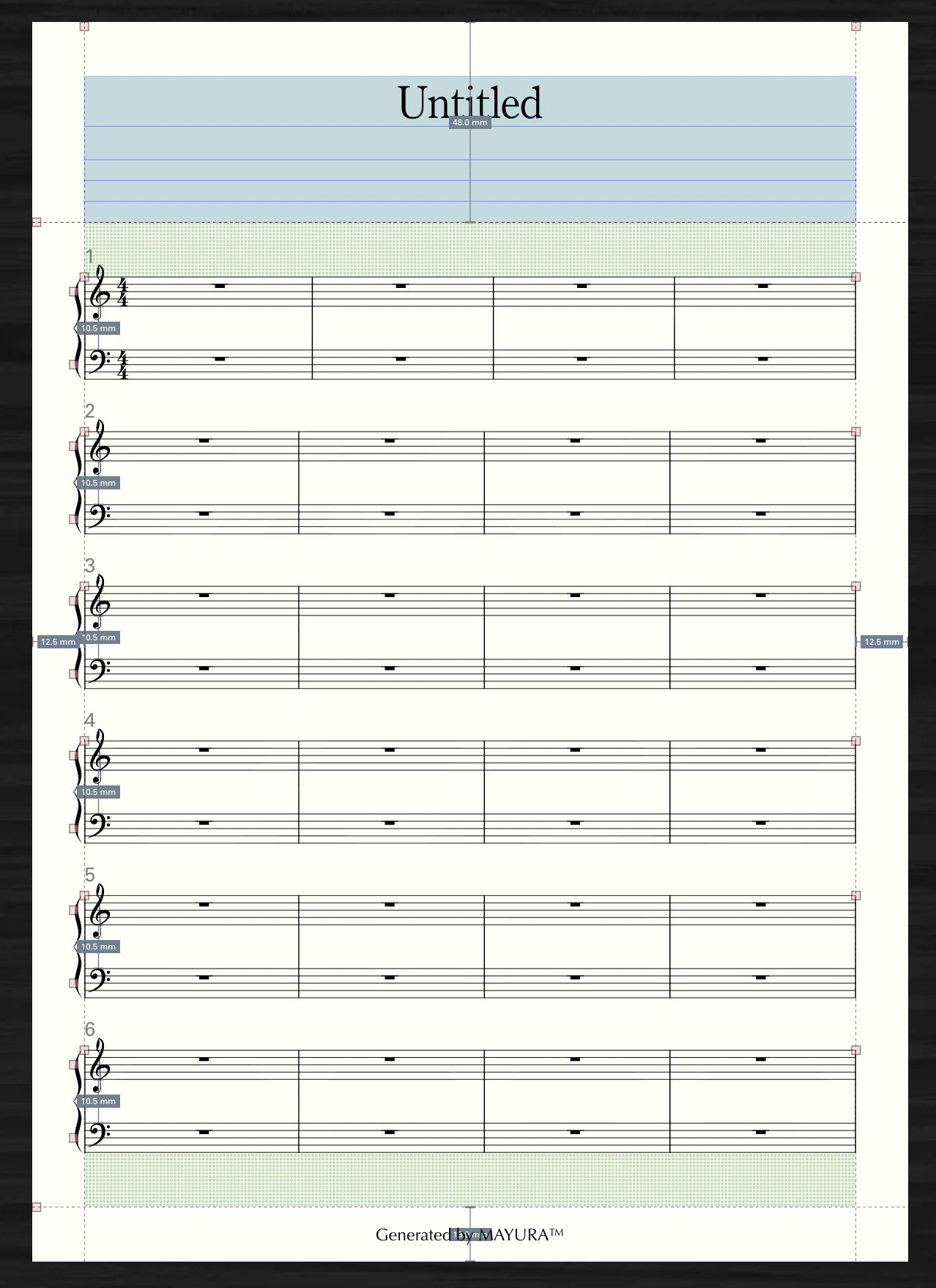
Pages
INFO
At the moment, the only way to add or remove pages is to use Justify Systems.
Dedicated page add/delete features and auto-layout are planned for the future.
Add Pages
Use Justify Systems to increase the number of pages. In Layout mode, select the System tool. Right-click any system and open the System Panel from the system context menu. Under Justify Systems, if the fixed number of systems overflows the applicable page range, pages are added.
For example, suppose you currently have five systems on one page. 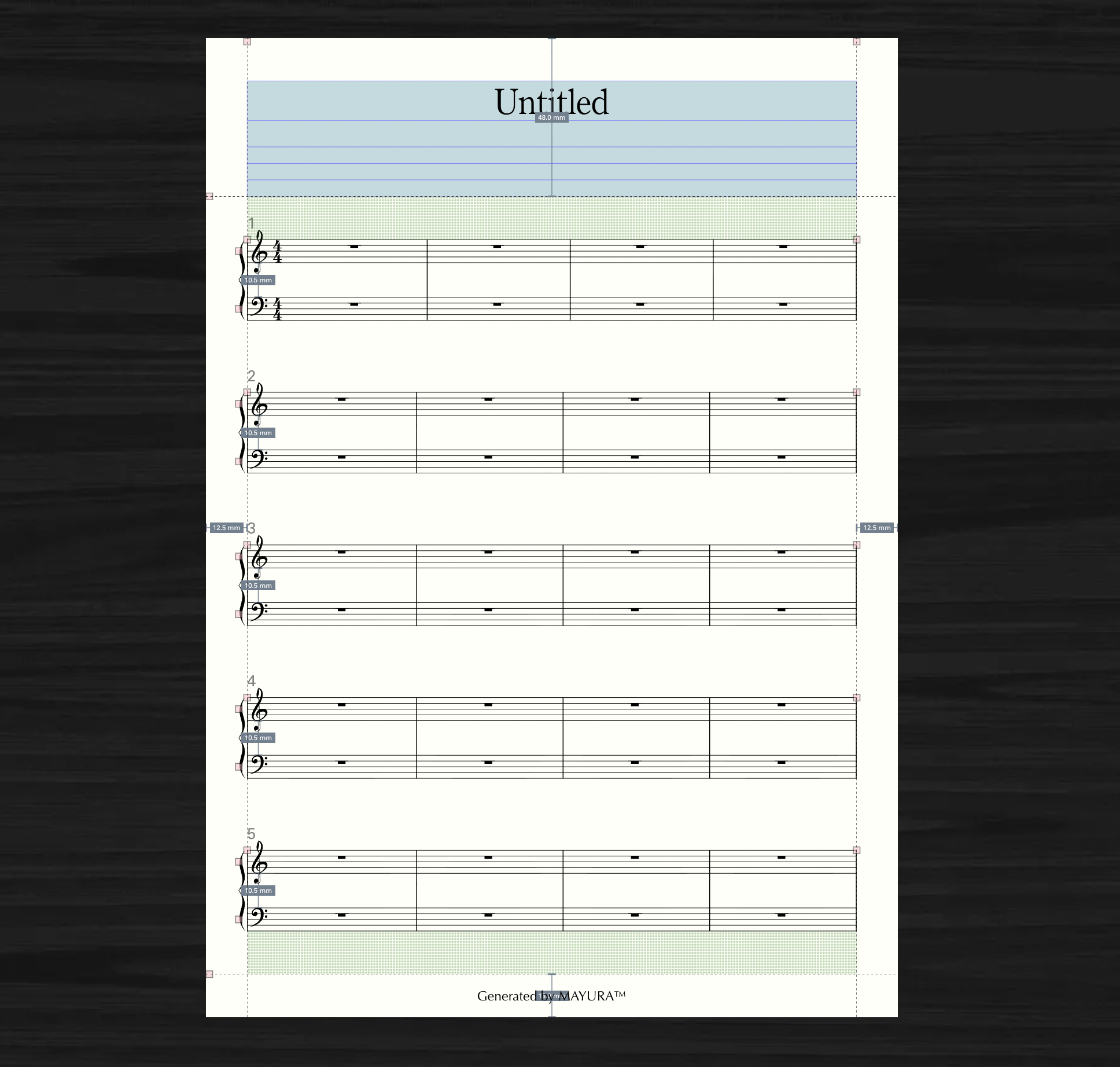
If you set the page range to 1–2 and the fixed number of systems to 2, 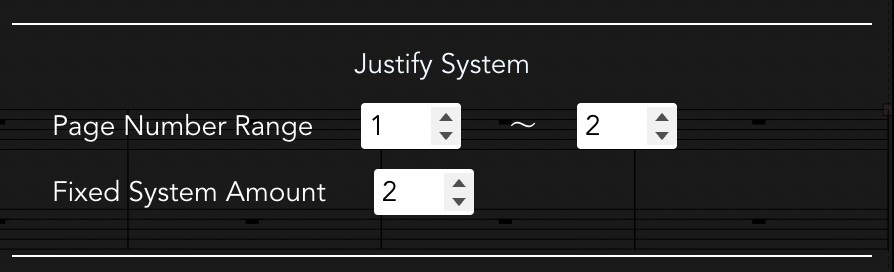
Pages 1 and 2 are fixed at two systems each, and page 3 is fixed with the remaining one system. (In this case, two pages are added, for a total of three pages.) 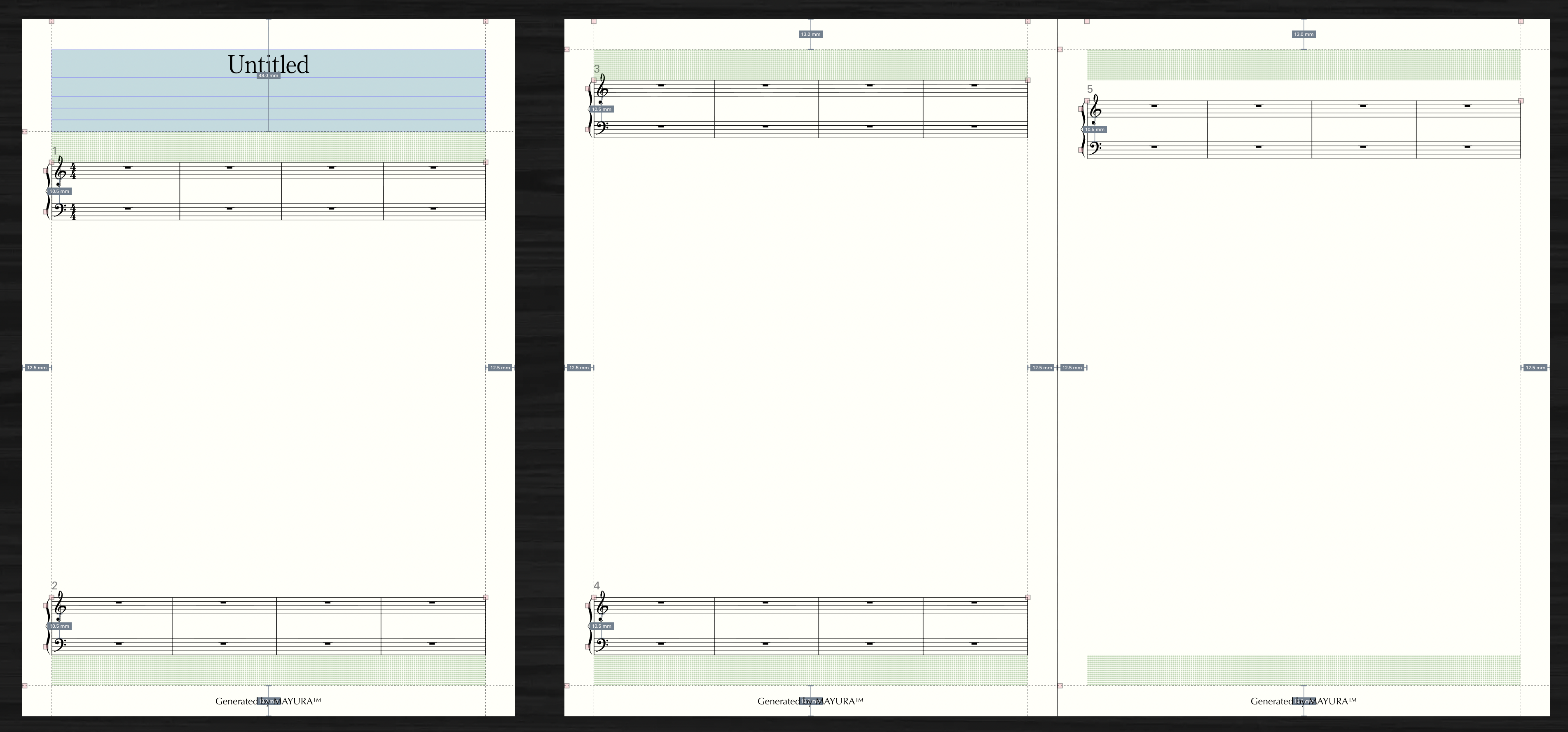
Delete Pages
Use Justify Systems to reduce the number of pages. In Layout mode, select the System tool. Right-click any system and open the System Panel from the system context menu. Under Justify Systems, if the fixed number of systems is insufficient for the applicable page range, pages are reduced.
For example, suppose you currently have two pages with three systems on each page. 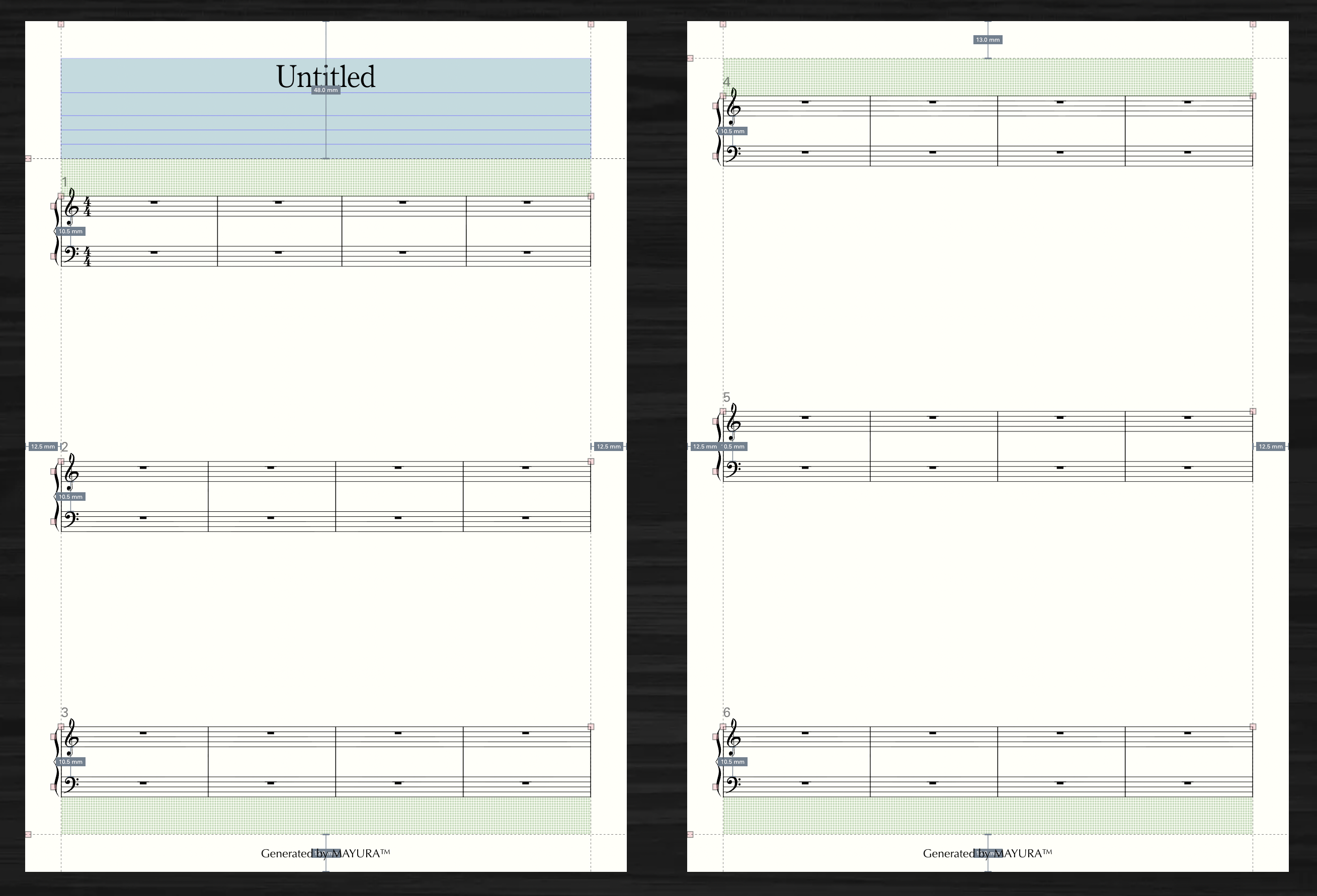
If you set the applicable page range to 1–1 and the fixed number of systems to 6, 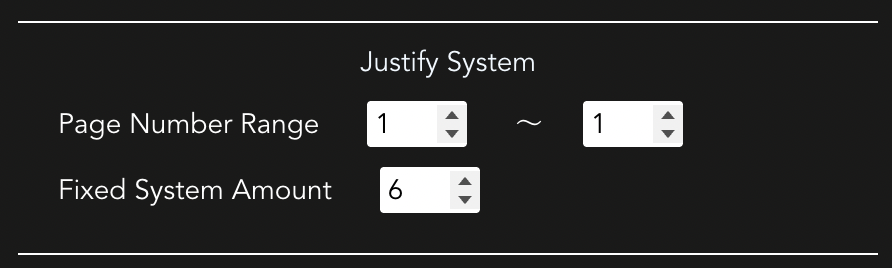
Page 1 is fixed at 6 systems, so one page is removed.